

Setting up Databricks
Overview
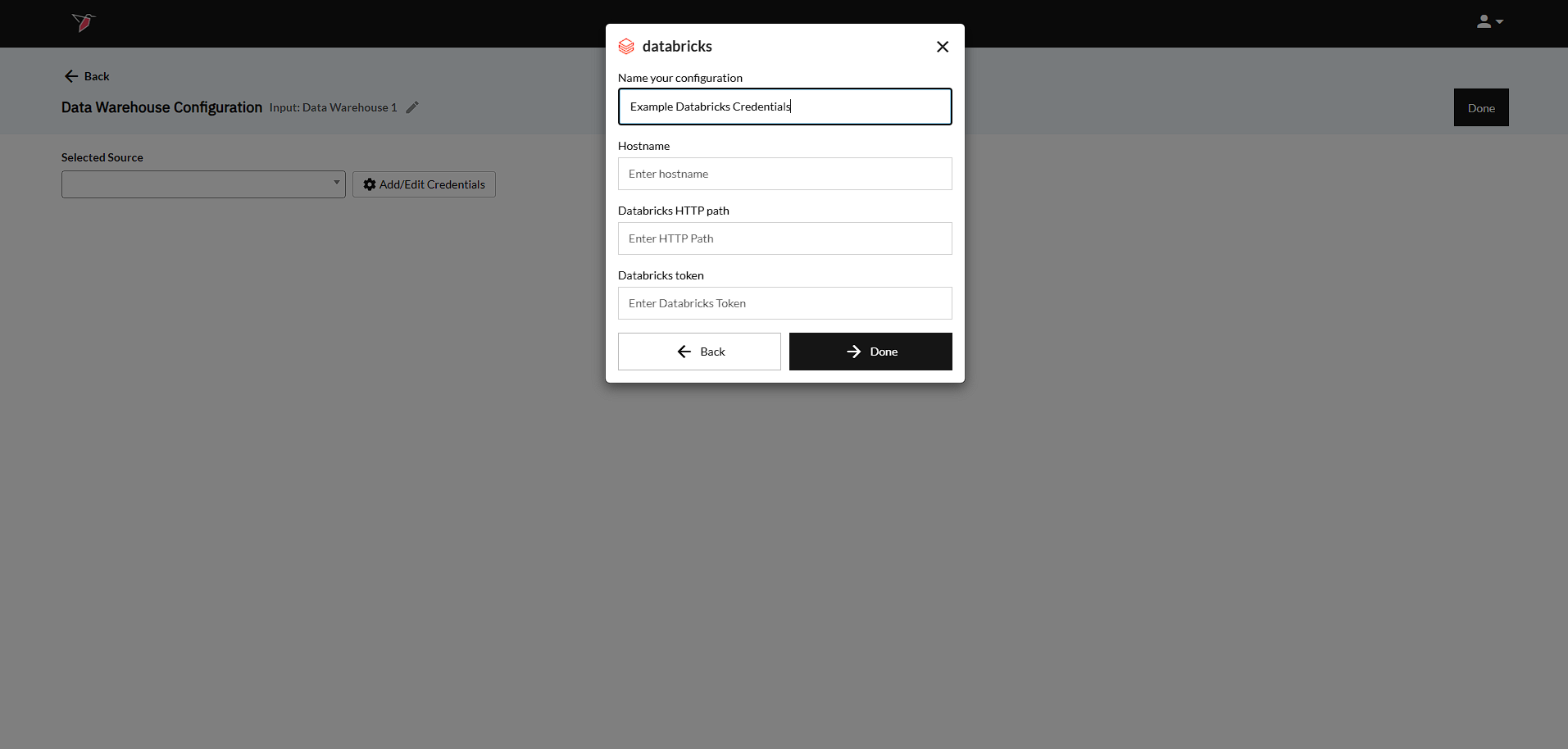
The below steps can be taken to set up your Databricks account within a Redbird Data Warehouse configuration.
Databricks
- Input the Hostname - To get the "hostname" of a Databricks workspace, the user can follow this guide to access their Connection details.
- Input the Databricks HTTP path - To get the "HTTP path" of a Databricks workspace, the user can follow this guide to access their Connection details.
- Input the Databricks token - In order to authenticate to the Databricks REST API, a user will need to have an access token. Users can read more about them here.
- Click Done to return to the previous screen.
Updated 8 months ago
Did this page help you?