

Setting up Amazon S3
Overview
The below steps can be taken to set up your Amazon S3 account within a Redbird collection app configuration.
Amazon S3
- Input the login credentials.
Note:For Amazon S3 specifically, AWS access key id, AWS secret access key and Region (e.g. us-east-1) are mandatory fields.
- Only specify the bucket you have access to if you don’t have access to all buckets.
- Only specify the directory you have access to if you don’t have access to the full bucket.
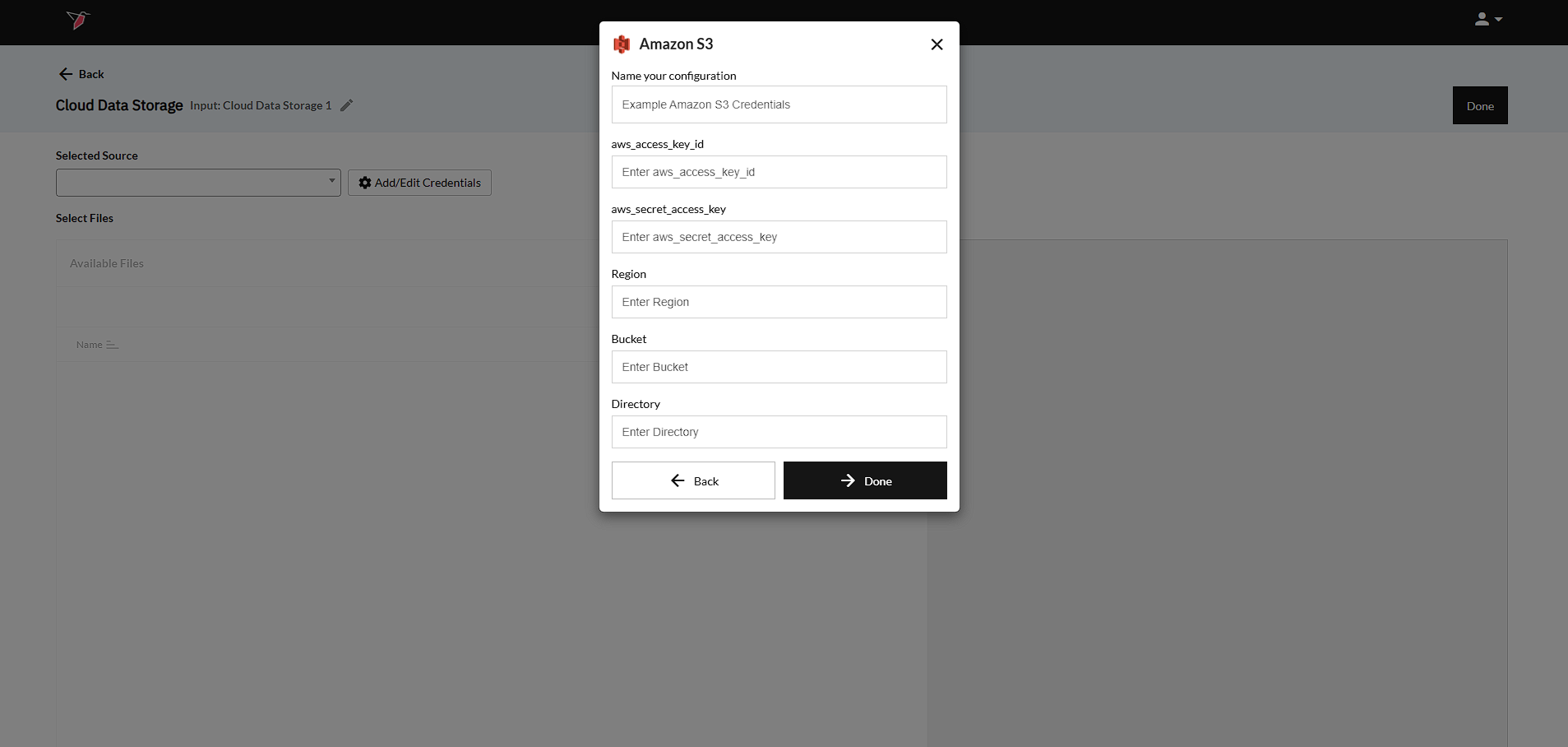
- Click Done to return to the previous screen.
Updated 8 months ago
Did this page help you?