

Overview
Everything you can do with Redbird, and where to learn each part
Introduction
Redbird automates the full workflow automation journey from connecting to disparate tools all the way to generating shared outputs and actions. This section covers each capability in depth — what it does, how to use it, and how the pieces fit together.
One idea runs through everything: chatting with Autopilot is the primary way to work in Redbird. You describe what you want — connect a tool, prepare data, build a report — and Autopilot does the building. Every screen you'd configure by hand is still there when you want direct control, but by default you are moving further and faster by asking Autopilot to do the work for you. Each guide in this section leads with what to say to Autopilot, then shows the hands-on alternative.
What you can do
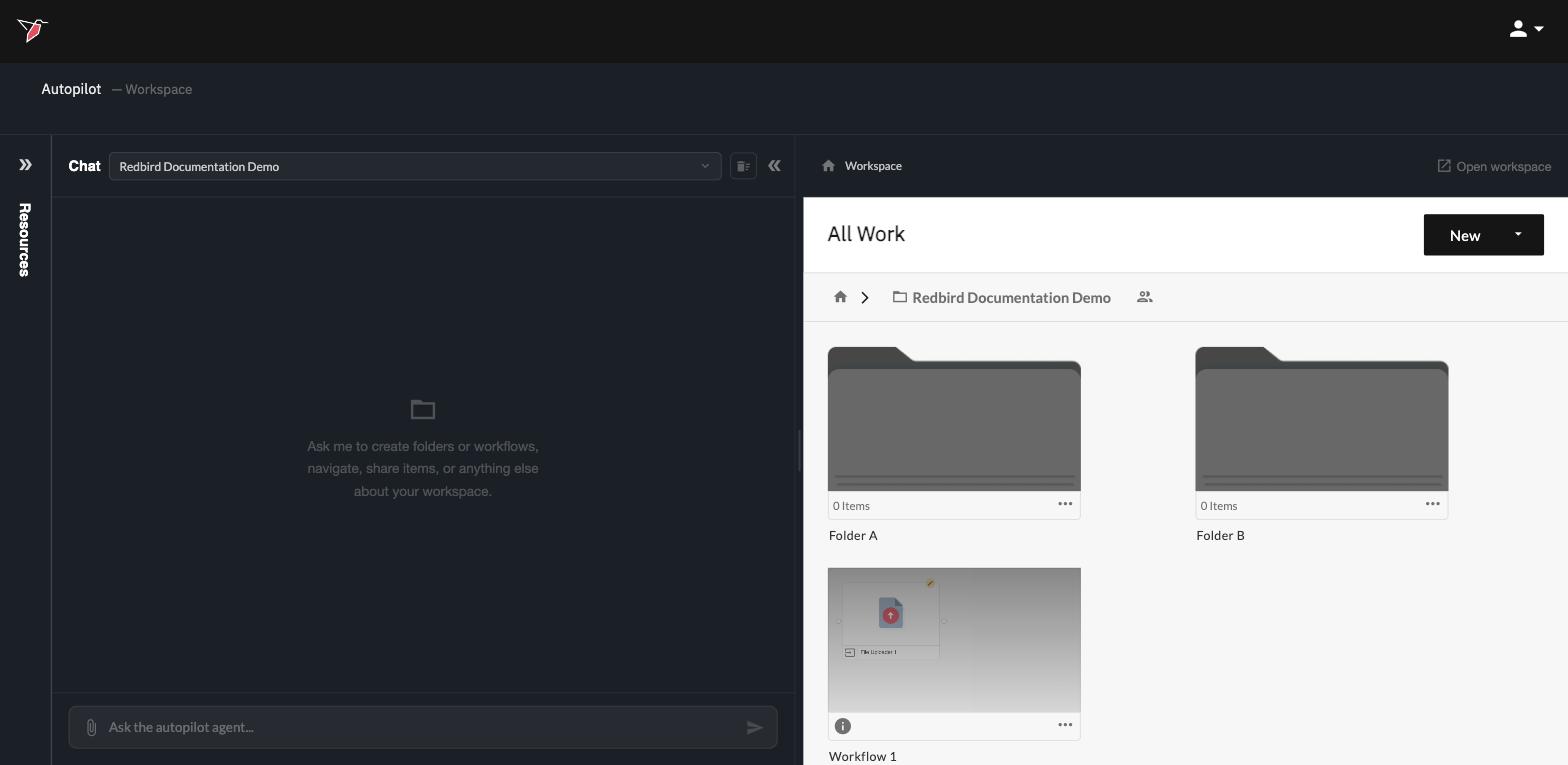
Talk to Autopilot — master the assistant itself: chat threads, how Autopilot focuses on whatever you're working on, the resources panel where your uploads, context, connections, and specialist agents live, and the preview panel where results appear.
Build & run workflows — workflows are where your work lives: connected steps that carry data from its source, through preparation, to outputs. Learn how to build them by asking, run them on demand, and schedule them to run automatically.
Connect your tools — bring in data from the systems where it already lives or push results and data-driven actions back to the same systems. Set up a connection once, and reuse it across your workflows.
Transform & analyze your data — the four ways of working with data: transforming it by describing the change, exploring it with questions and quick charts, enriching text and media with tags, and applying advanced analytics with the data science specialist.
Generating presentations — turn workflow output data into reports, built from a description or modeled on an example file, and kept up to date as your data refreshes.
Sharing results — send outputs where your audience already looks: by email, to cloud storage, or into a data warehouse.
New to Redbird?
If you haven't used Redbird before, start with the Get started tutorial — a hands-on walkthrough that touches each of these capabilities once, using sample data, in about half an hour.
Updated 5 days ago