

Data Science Models
Overview
You can easily upload data science models you have already trained to Redbird. If you upload a CSV or an Excel file containing a single sheet, and Redbird recognizes it as a well-defined structured dataset (i.e., a clear table), a Redbird tabular dataset will be automatically generated. This dataset can, for example, be connected directly to a dashboard.
After uploading models, they may be utilized in prediction using nodes such as the AI Chat and AI Data Tool.
Creating the Data Science Model Node
Navigate to Process and then to Data Science Model. Drag and drop this onto the canvas to begin.
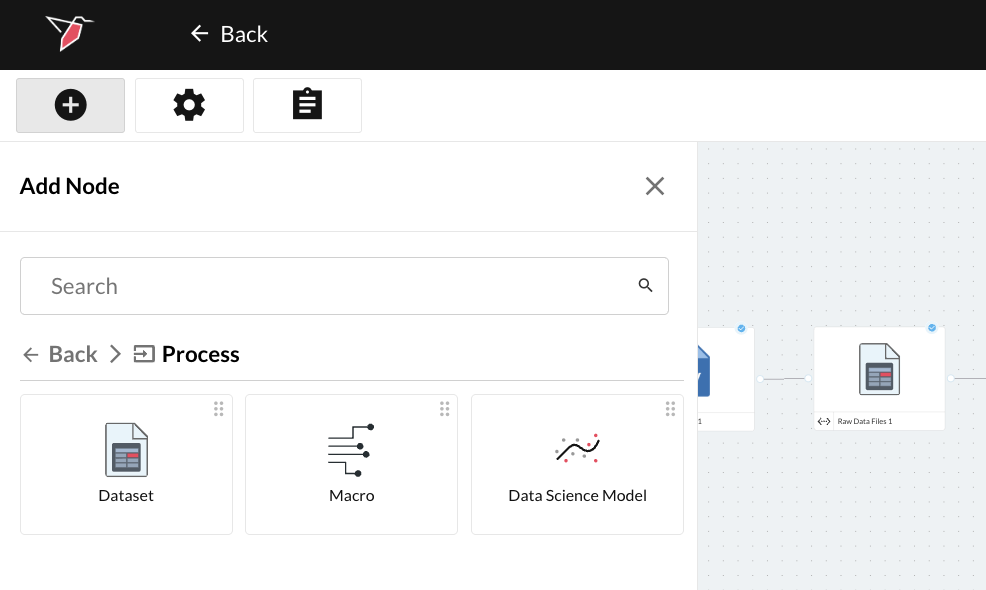
Creating a New Configuration
To upload files to Redbird, follow the steps below:
- Double-click the node to enter configuration mode
- Name your model by clicking the gray pencil at the top of your screen.
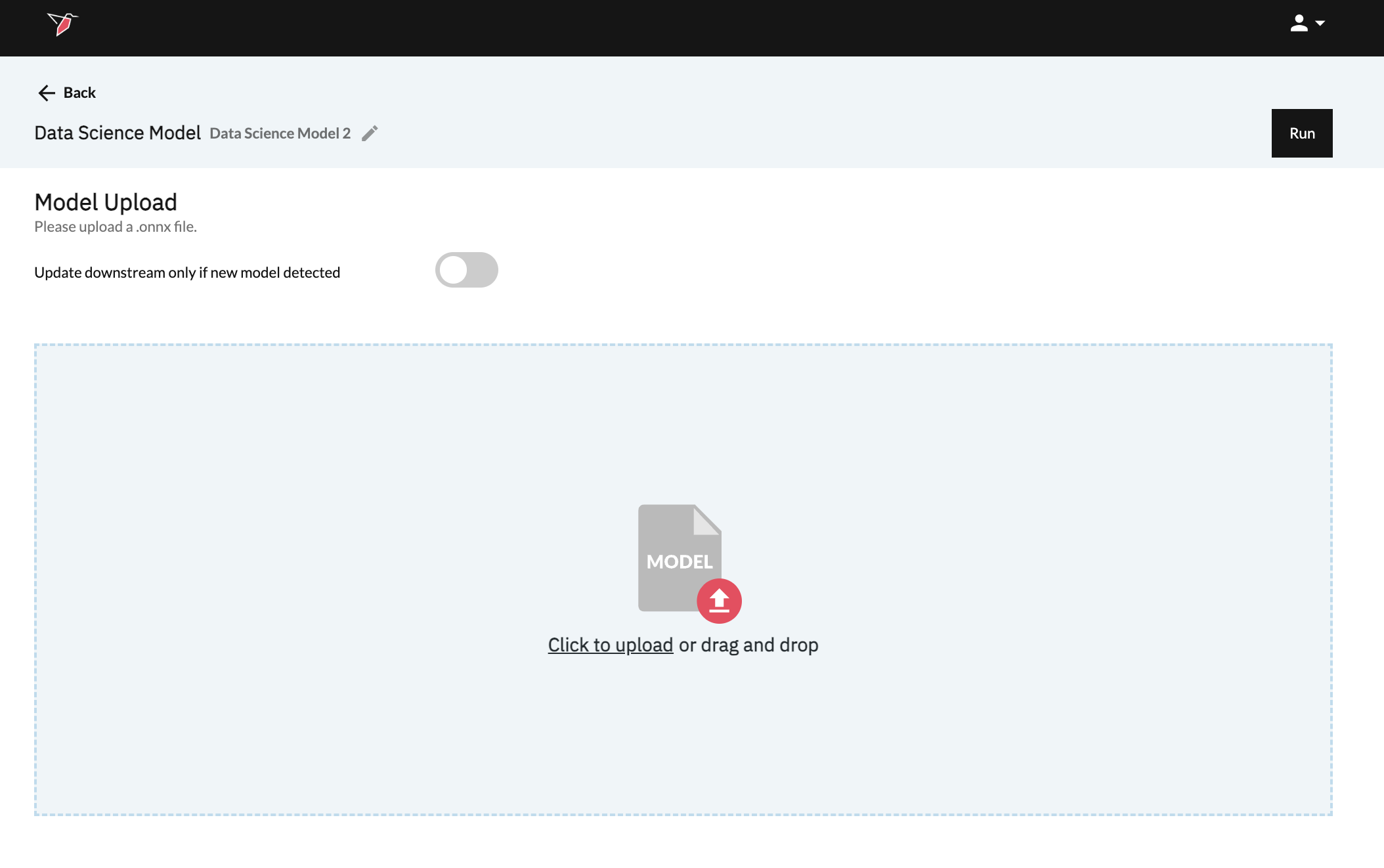
- Finally, upload and click Run at the top of the screen when done.
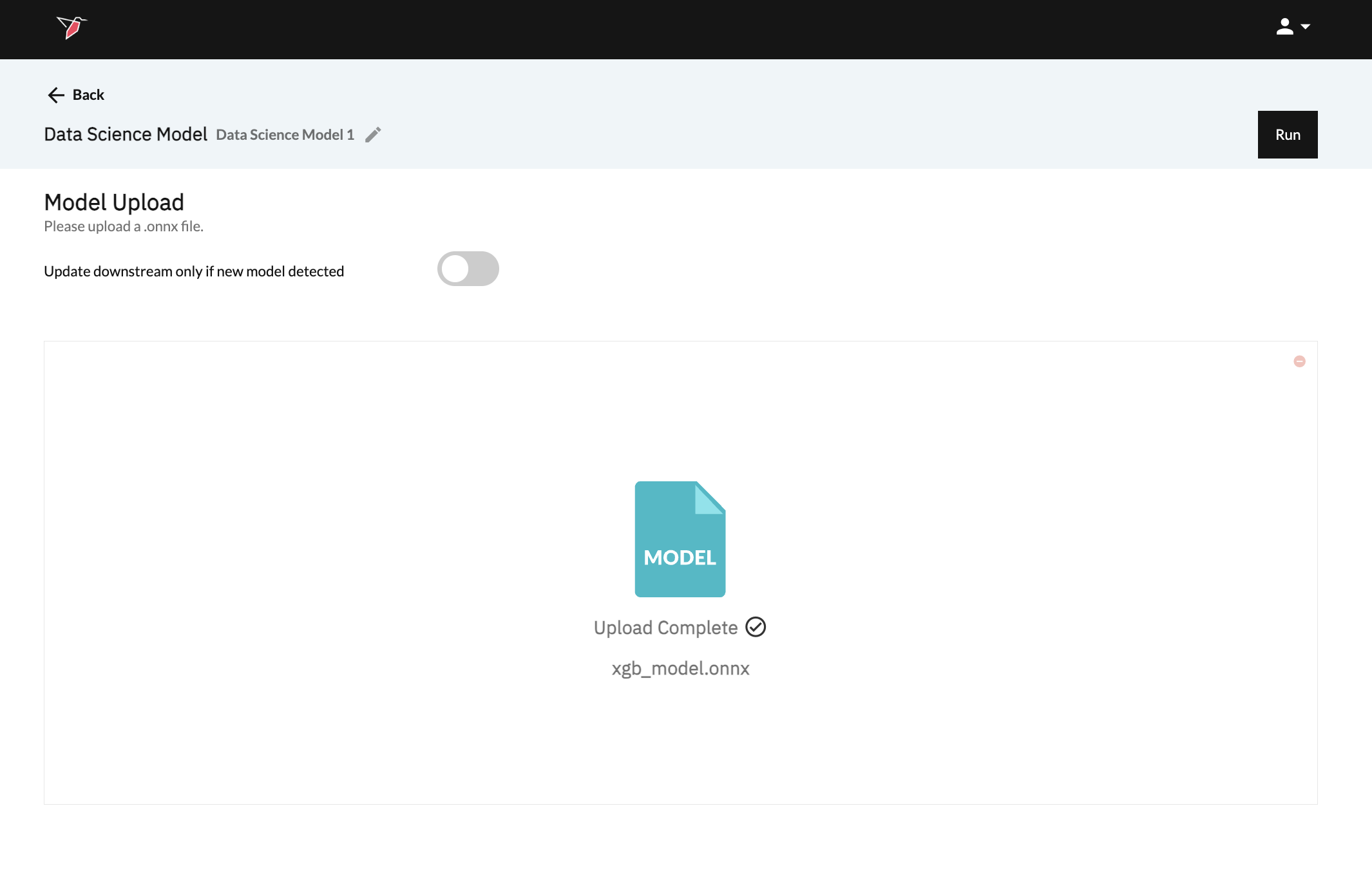
What types of models can I upload?
The model type currently supported must be ONNX, which can be converted to from most model types, including PyTorch, TensorFlow, Scikit-learn, XGBoost, LightGBM, and CatBoost. See this documentation page for details on how to convert your model to ONNX: https://onnx.ai/onnx/intro/converters.html.
What model metadata may be leveraged by Redbird?
All of the models we create in Redbird will be ONNX models with metadata stored in the metadata_props attribute on the model. If you want downstream systems to use these, you may add them to models before uploading them. The following is the expected metadata for models:
model_inputs: A list of the inputs used to train the model, and which will be needed for prediction. If available, Redbird will know which columns to look for when running prediction downstream.description: A short description of the model's goal. May help with AI connectivity if provided.model_name: A preferred name for the created model. May help with AI connectivity if provided.y_test: The test set of dependent variables.y_pred: The predictions made using X_test in the original model. If both y_test and y_pred are available, Redbird will show the accuracy of the model.original_model_class: The original model class before converting to ONNX, such assklearn.ensemble._forest.RandomForestRegressor. If present, Redbird may show more information for specific model types.class_names: The classes for classification models utilizing LabelEncoder, as a list. This will give the mapping for models that return integers that represent classes (as strings). If present, Redbird will convert predictions to show the class name instead of an integer.feature_importances: A list of feature importances as floats that correspond with the indexing of features inmodel_inputs. If available, Redbird will show these in Explore views.coef: A list of coefficients as floats that correspond with the indexing of features inmodel_inputsfor linear models. If available, Redbird will show these in Explore views.mae,mse,rmse, andaccuracy: Mean Absolute Error, Mean Squared Error, Root Mean Squared Error, and Accuracy may also be added to show in tables, especially useful if comparing with models produced in Redbird.
Any of these may be added following an approach similar to the following:
import onnx

mdl = onnx.load_model(path_to_onnx_model)

model.metadata_props.add(key='mae', value=str(mae))

onnx.save_model(path_to_onnx_model)
Updated 8 months ago