

Standard Redbird Login
Introduction
To utilize the Redbird platform, you must log in and organize your work within permissioned folders and workflows. This guide will walk you through how to quickly get started by logging in then you can learn more about creating folders and workflows here.
Logging In
To log in to Redbird, visit app.redbird.io/login , enter your unique username and password, and click Log In.
Note: The first time your account was created, you would have received a one-time login link via email. If you don’t have login credentials or can’t locate that email, please contact Redbird Support at [email protected]
.
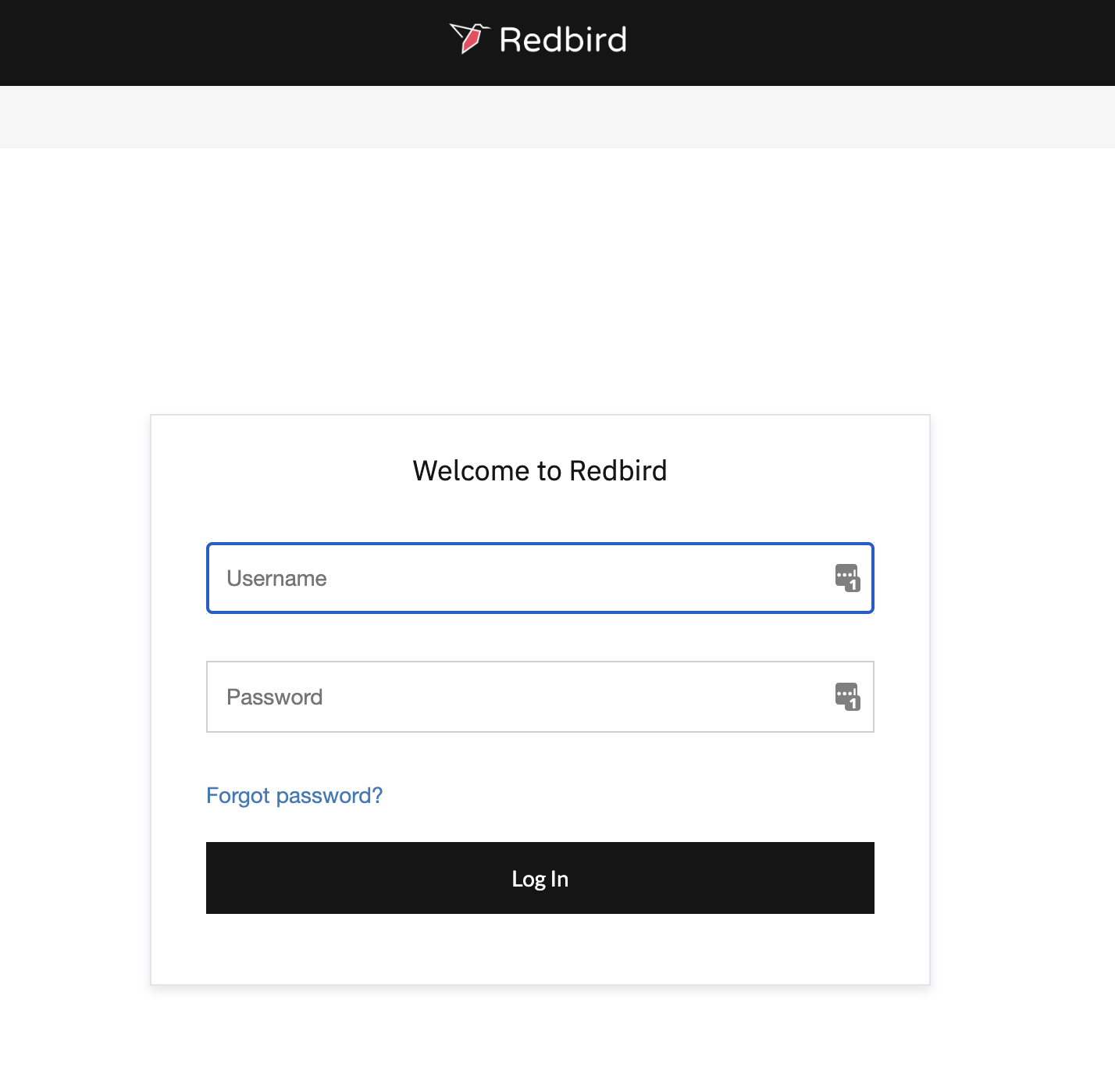
Important:Your password must conform to certain Redbird password requirements.
• Your password can't be too similar to your other personal information.
• Your password must contain at least 8 characters.
• Your password can't be a commonly used password.
• Your password can't be entirely numeric.
Forgot Password
If you’ve forgotten your password or are unable to log in, click the Forgot password? link on the login page and follow the steps outlined below to reset your password.
- Enter the email associated with your account.
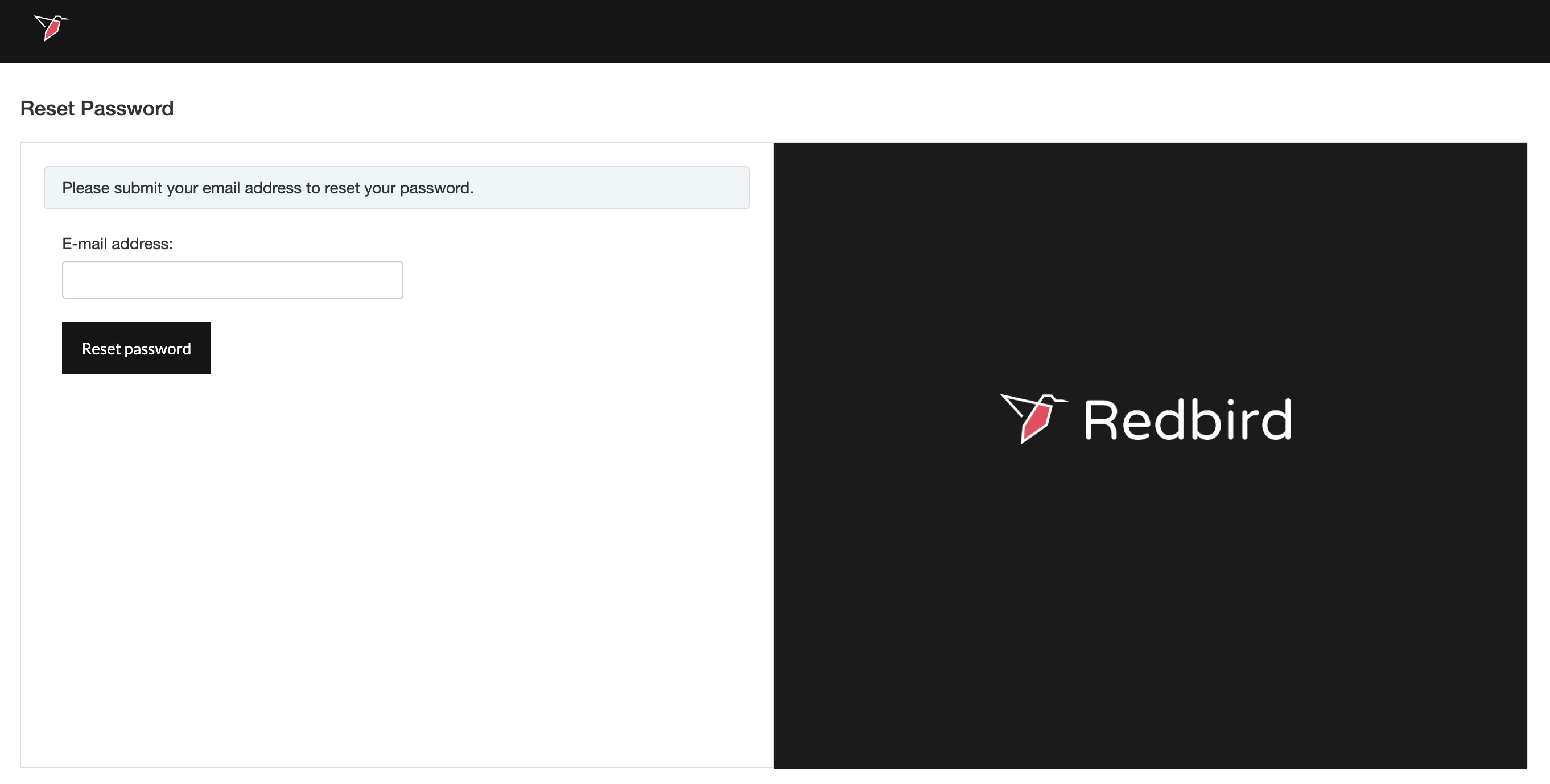
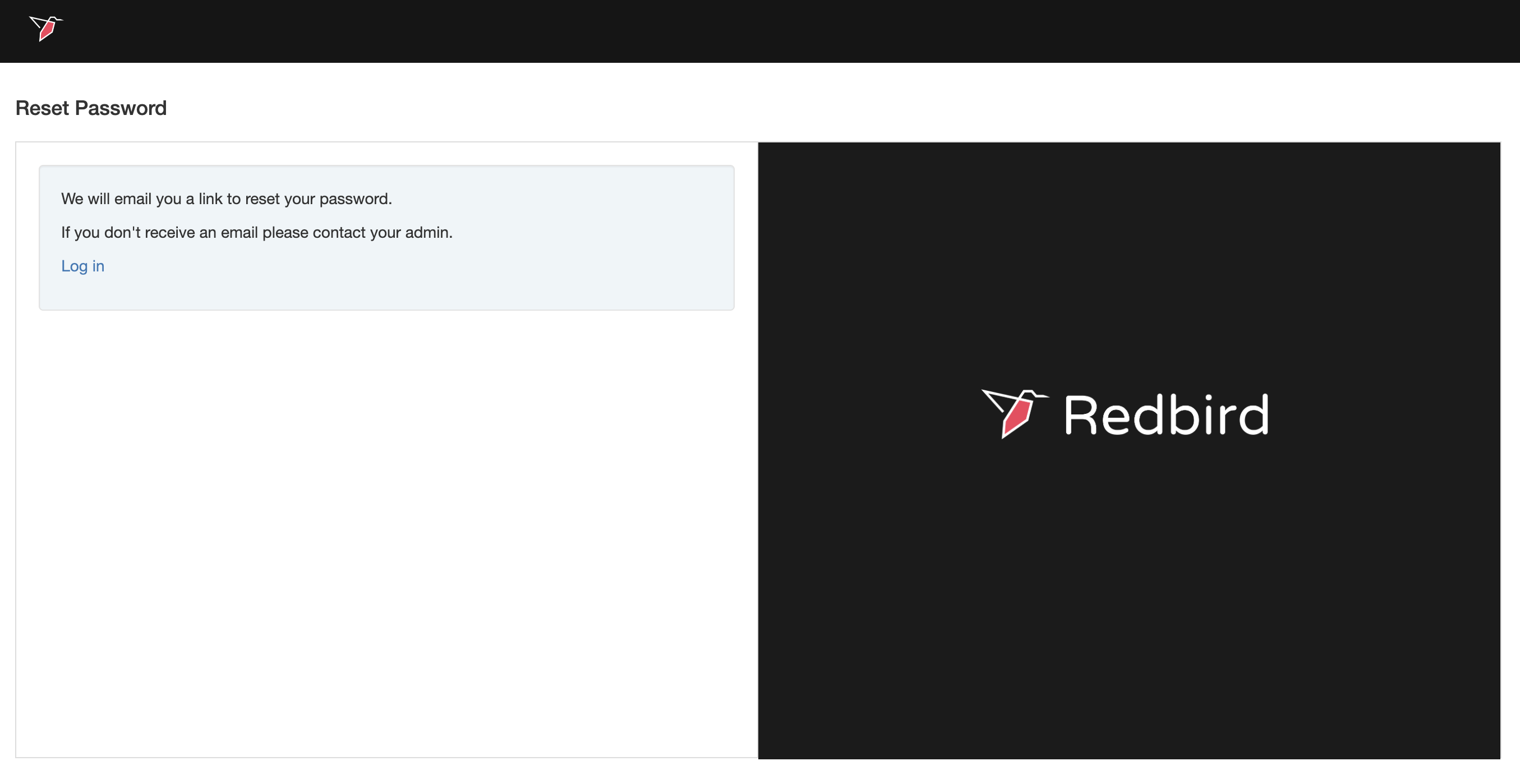
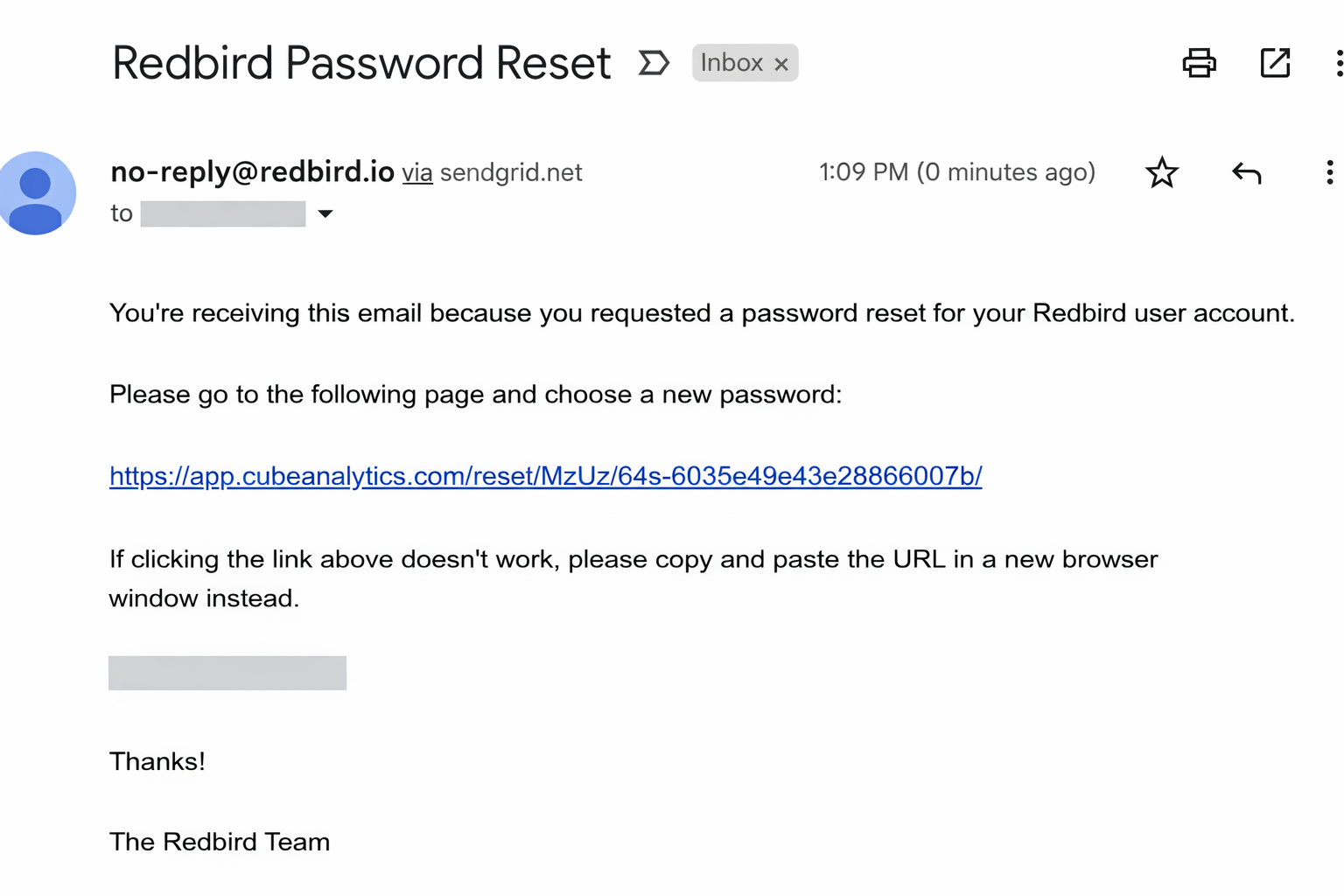
- Click on the forgot password link that is emailed to you.
- Enter and confirm your new password.
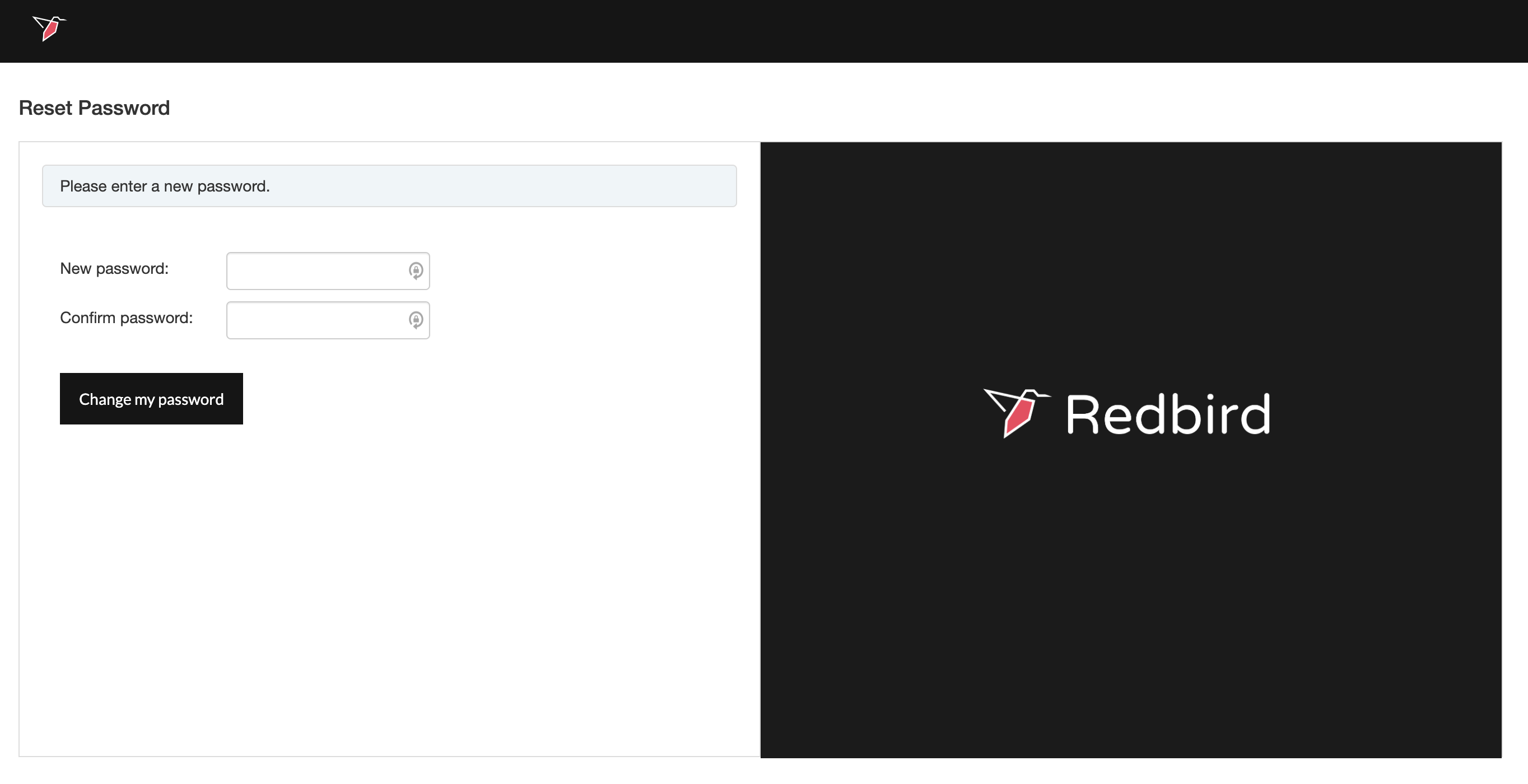
- Proceed to log in with your new password.
Updated 5 months ago