

Occupational Safety & Health Administration (OSHA)
For more general information on data collection in Redbird, check out: Getting Started With Data Collection
This guide explains how to set up access and collect enforcement data on accidents, violations, and injuries from the Occupational Safety & Health Administration (OSHA) database.
Enabling Collection Apps
- Click the person icon located in the upper right-hand corner of the page
- Click Account Settings
- Click Apps
- Navigate to OSHA
- Select the box under the Visible? heading to enable the collection app

- Click Done
Creating a Collection
- Click Collect on the top navigation bar
- Select OSHA
- Click Create Collection
- Click the pencil next to Configuration Name to name your collection
- Select the type of report required from the dropdown. You can choose from the fully compiled and merged output of multiple tables or just the accident Injury table in its original format.
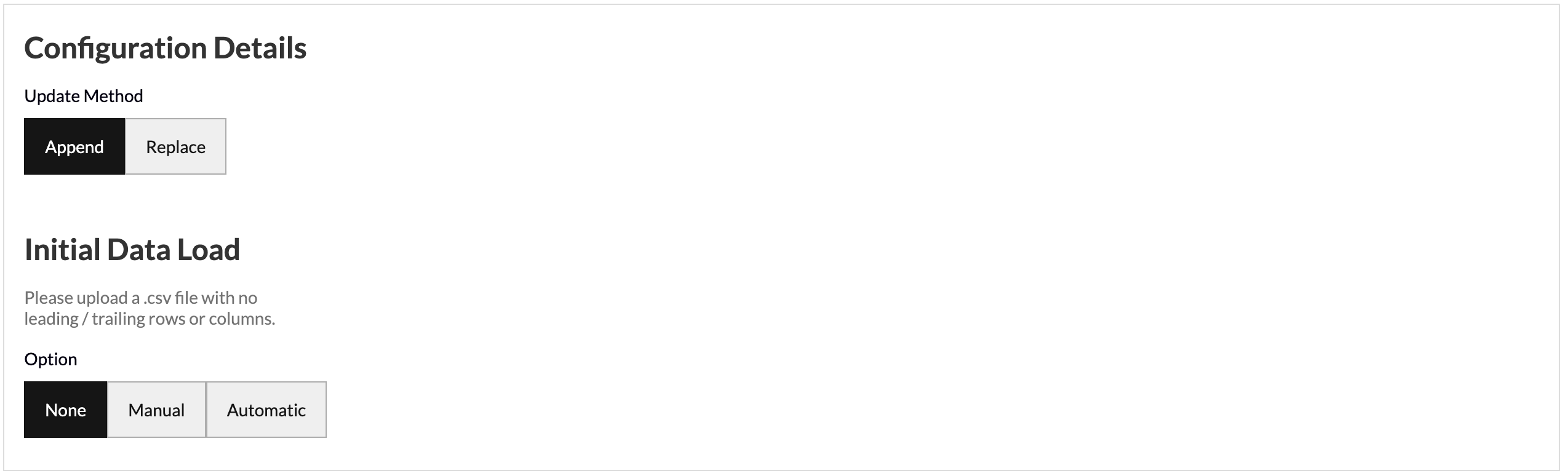
- Update Method allows you to select how you want your data to aggregate when you run future data pulls. Append keeps the historical data and adds the future data pulls below. Replace deletes the historical data and generates the new data in its place.
- Initial Data Load allows you to upload historical data in bulk as a one-off in the event that you have the data saved on your computer. You can upload your data as a CSV file with no leading/trailing rows or columns and Redbird will run future data collections using the configuration that you set up in previous steps.
- Click Done
Running a Collection
- Click Collect Data under Run
- Click Run Collection
- Select the time period required (note: there is often a 7 months plus lag for OSHA to publish data)
- Click Run
Updated 8 months ago
Did this page help you?