

Node Access
Some nodes need to be enabled before they can be added to a workflow.
Overview
In this section, we will go over how to enable Redbird Nodes to be used within your workflows. Follow the below steps if you are unable to view any specific applications.
If you can't already see the Node you are looking for in the left side panel on your workflow builder canvas, you will need to enable it. To do this:
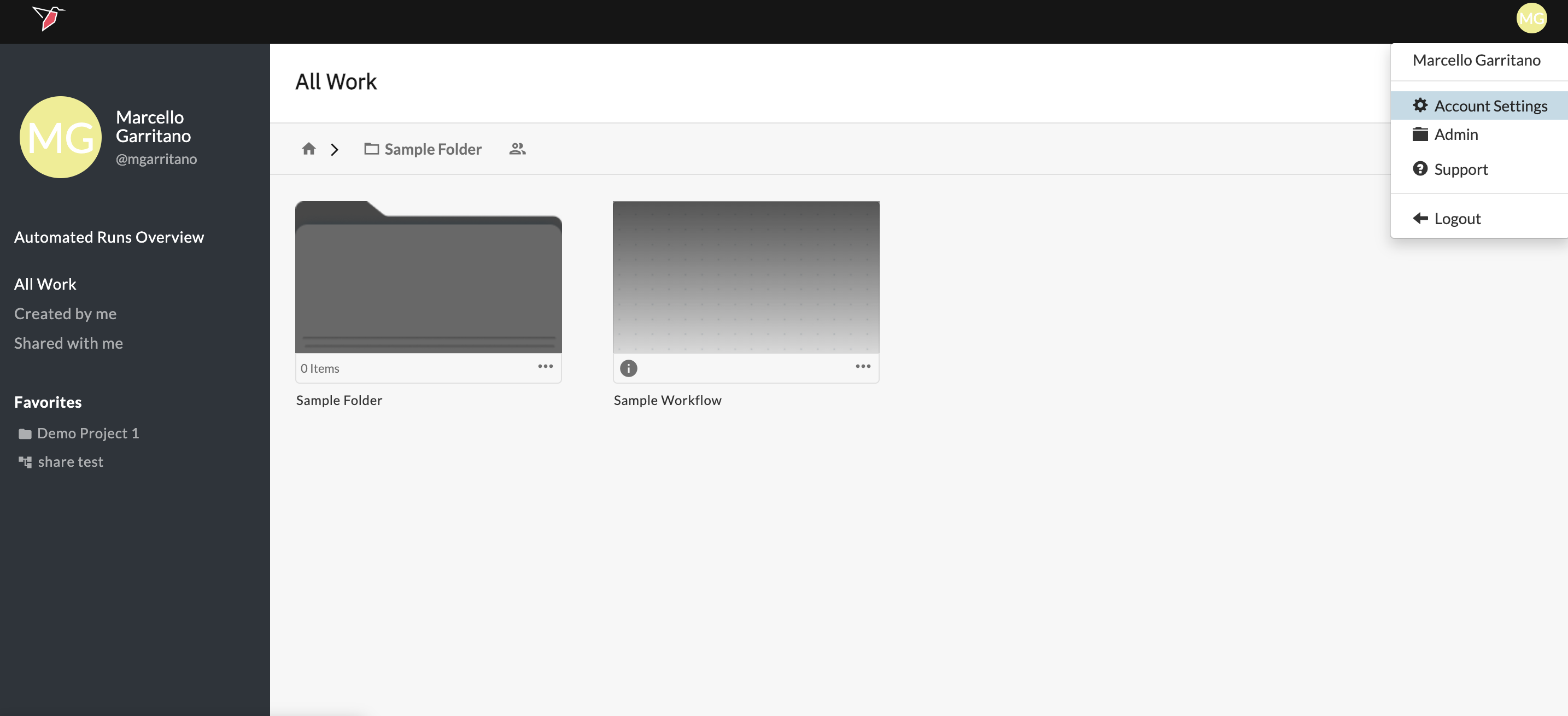
- Click the circle with your initials located in the upper right-hand corner of the page.
- Click Account Settings
- Click the Apps tab

- Navigate to the desired collection node
- Select the box marked Visible? in line with the node to enable the collection app
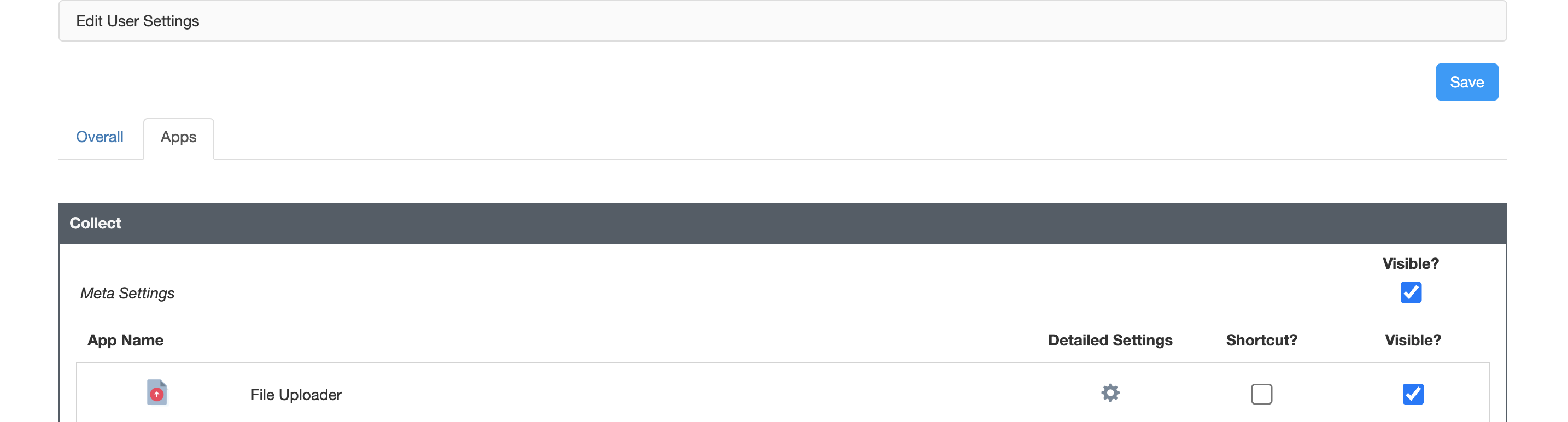
- Click the blue Save button at the top of the page
Updated 6 months ago
What’s Next
Did this page help you?