
Introduction
Background
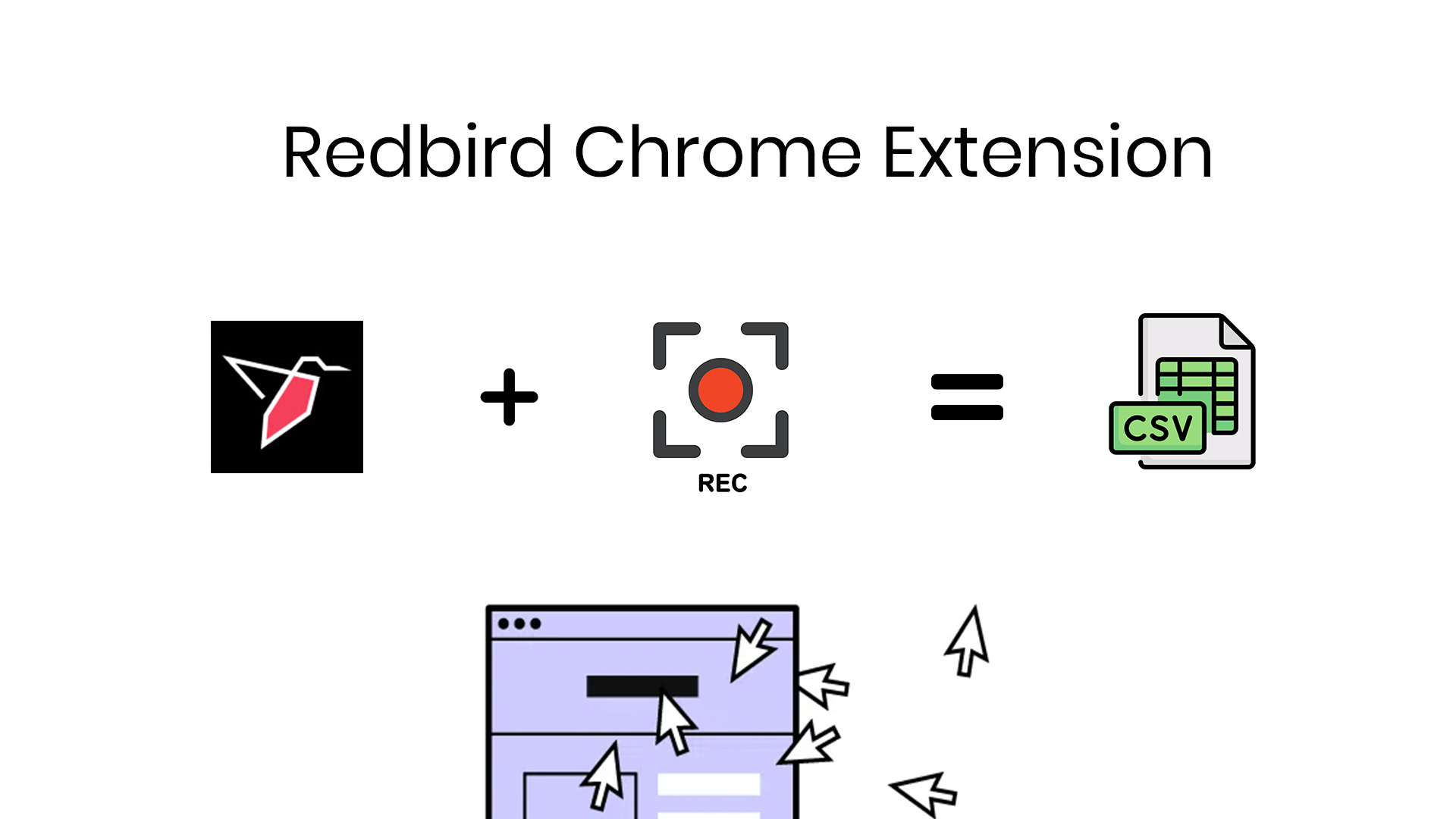
The objective of this documentation is to understand both the Redbird Chrome Extension (RCE) and the Extension Collect app that lives within the Redbird platform. There are numerous sources of data that can be found on websites today and there is no simple way to fully automate the collection and extraction process to create a resulting dataset within minutes. That is where Redbird comes into the picture. With the RCE alongside the Extension Collect app we are able to automate data collection and take that a step forward to make workflows and configurations.
Redbird Chrome Extension
The extension allows you to create a recording of navigation and collection of data within a website, whether is be tables, text, and/or images, and collect it within the Redbird platform. The extension can be found and downloaded via the Chrome Web Store. We suggest you download the extension and pin it to your Chrome window for easy access.
Extension Collect
The Extension Collect app is a supplemental tool for the RCE. This allows us to access the recordings made via the RCE and fully automate the data collection process as part of a workflow within the Redbird platform.
Next Steps
In the following documentation, you will find a Tutorial as well as an in depth breakdown of the RCE and its capabilities. The Tutorial serves as a starting point and provides an example use case of creating a recording of a website with tabular data and then collecting it via the Extension Collect app within Redbird.
Updated about 1 month ago